
Octopus Energy Smart Meter: Installation, Readings and Tariffs
Installation usually takes about an hour per fuel; allow up to 14 days for readings and displays to connect.
Contents
- 1.Getting a smart meter with Octopus Energy
- 2.How to book an installation
- 3.What to expect on installation day
- 4.What happens after the engineer leaves
- 5.Switching to Octopus with an existing smart meter
- 6.Understanding your smart equipment
- 7.Smart tariffs and half-hourly readings
- 8.Troubleshooting common problems
- 9.What to do when moving home
- 10.FAQs
Getting a smart meter with Octopus Energy
A working smart meter can send readings to Octopus Energy automatically and show when you use energy. It is also required for Octopus smart tariffs that bill electricity in half-hour periods. Those tariffs can reward flexible use, but they do not guarantee a saving: the result depends on the tariff, its current prices and when your household uses electricity.[1]
Having a smart meter installed is not legally compulsory. Suppliers are, however, required to take all reasonable steps to complete the domestic rollout by the end of 2030, and Octopus normally offers a smart meter when a suitable appointment is available for the property.[2]
This guide explains how to request an Octopus installation, what happens on the day, how an existing SMETS1 or SMETS2 meter behaves after a switch, and what to check when readings or displays stop updating.
Use our referral link, and we'll both get £50 credit once your switch is complete.
Existing customer? Find out how you can benefit too. T&Cs apply (only one switching offer per household)
How to book an installation
Start in your Octopus online account. If appointments are available in your area, you can choose an offered date and time. If none appears, register your interest and Octopus will contact you when it has availability nearby.[1]
Octopus says it usually releases new appointment slots on Mondays, but availability still depends on the meter setup, property and local engineer coverage. Registering interest is not a promise of a particular date.
What to expect on installation day
The installer needs safe access to the existing meters and must complete checks inside the property before and after the work. Octopus asks for someone aged 18 or over to remain at home for the whole appointment, even when a meter is outside.[1]
The installer records the old meter readings, replaces the meter or meters, checks the supply and explains the In-Home Display or other equipment provided. The new meters normally remain in the same locations as the old ones.
What happens after the engineer leaves
The physical installation and the data connection are separate steps. The meter communicates through the national smart-meter network run by the Data Communications Company, and Octopus says a new installation can take up to 14 days to appear fully connected.
During that period, automatic readings may be missing and the In-Home Display or Octopus app may not yet show usage. Octopus says you do not need to act on an automated request for a reading during the initial connection window because the installer has already recorded the final reading from the old meter.[1]
Switching to Octopus with an existing smart meter
You can switch to Octopus with either a first-generation SMETS1 meter or a second-generation SMETS2 meter. A SMETS2 meter is designed to stay smart after a supplier switch, although Octopus may still need time to connect it to the new account.[1]
Octopus says it can connect remotely to Secure-branded SMETS1 meters. A different SMETS1 meter that has not yet been enrolled in the national network may temporarily work like a traditional meter after the switch. In that case, submit manual readings until its smart functions are restored or the meter is replaced.
Understanding your smart equipment
The smart meter
This is the fixed measuring equipment in the meter cupboard or box. It records consumption and can send readings to the supplier. Its screen and buttons also let you take a manual reading when needed.
The In-Home Display
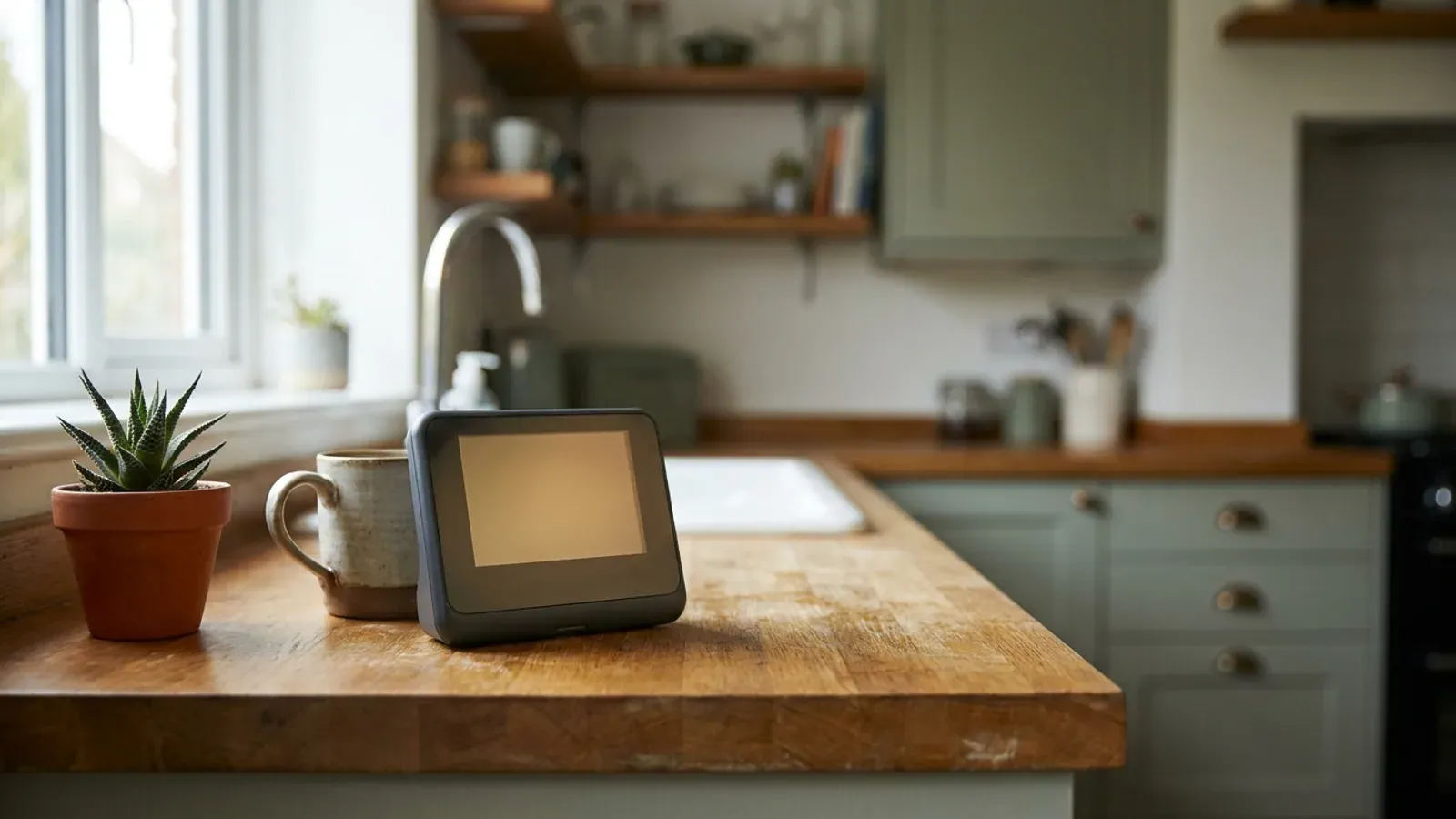
The IHD is a portable screen paired with the meters through the Home Area Network. It can show energy use and an estimated cost, but it is not the meter and it does not send readings to Octopus. An IHD problem does not necessarily mean the smart meter has stopped working.
The Octopus app and online account
Once the meter is connected, the app and account show usage history, bills and information for smart tariffs. Octopus recommends these for dynamic tariff prices because a standard IHD may not display frequently changing rates such as Agile correctly.
Octopus Home Mini
Home Mini is an optional device that connects to both the electricity meter and home Wi-Fi, then sends much more frequent usage updates to the Octopus app. It is different from the IHD and needs to stay plugged in close to the electricity meter and within Wi-Fi range.[1]
Smart tariffs and half-hourly readings
Octopus smart import tariffs require a compatible smart meter and permission to collect half-hourly readings. That lets Octopus match each period of electricity use to the rate that applied at the time.
Agile Octopus changes its price every half hour. Octopus Tracker follows a daily price, while products such as Octopus Go and Intelligent Octopus Go offer defined lower-priced charging periods subject to their eligibility and terms. Check the current tariff page before switching because prices, compatibility rules and off-peak windows can change.
Missing half-hourly data matters more on these tariffs than it does on a conventional flat-rate tariff. Octopus’s current smart-tariff terms explain when it may estimate missing periods or apply a fallback rate. Third-party apps can help you inspect data, but Octopus says it cannot use their readings for billing.
Troubleshooting common problems
Short gaps can follow a brief power interruption or a temporary loss of the meter’s communications signal. If missing readings happen repeatedly, contact Octopus so it can check the connection rather than assuming the usage shown in the app is complete.[1]
If the IHD is blank or disconnected, keep it powered and try it closer to the electricity meter. Check the online account: regular readings there show that the meter itself is communicating even when the display is not.
Large distances or thick walls between the electricity meter, gas meter and IHD can weaken the Home Area Network. Some properties need extra Alt-HAN equipment; Octopus currently provides a waitlist rather than promising immediate installation.
For Home Mini, keep it plugged in as close to the electricity meter as practical—Octopus suggests about 5 metres—while maintaining a usable Wi-Fi signal. If it remains disconnected, use Octopus’s Home Mini troubleshooting guidance or contact support.
What to do when moving home
The gas and electricity meters stay at the property. Leave the In-Home Display and any smart-meter booster there too, because they are paired with that installation and will not work at the new address.[1]
Octopus’s current Home Mini guidance is different: it says you can take a Home Mini with you, but should tell Octopus before moving so it can detach the device from the old meters, check compatibility at the new home and provide setup instructions.
Report the move through the Octopus account and record closing readings at the old property and opening readings at the new one. The smart-meter setup belongs to the address, so do not assume the new home will have the same meter type, signal or tariff compatibility.
Frequently asked questions
Do I have to have a smart meter installed?
No. A domestic smart meter is not legally compulsory. Octopus may offer one as part of the national rollout or when a meter needs replacing, but you can ask what alternatives are available for your circumstances.
Will Octopus charge for a smart meter installation?
There is no separate upfront charge for the meter, communications hub, In-Home Display or standard installation. The rollout is funded through energy bills generally. Unusual additional metering work can sometimes cost extra, in which case Octopus says it will tell you.
Can I switch to Octopus with an existing smart meter?
Yes. SMETS2 meters should retain their smart functions after a switch. Some unenrolled SMETS1 meters may temporarily need manual readings, but this does not prevent you from changing supplier.
Why is Octopus asking for a reading when I have a smart meter?
New customers need to submit their first reading manually. Octopus may also ask when it cannot communicate with the meter. If a newly installed meter is still within its initial connection window, Octopus says the installer has already recorded the old meter’s final reading.
Does a smart meter guarantee cheaper Octopus bills?
No. It can improve billing accuracy and unlock smart tariffs, but the meter itself does not reduce consumption. Whether a time-of-use tariff saves money depends on its current prices and how much usage you can move away from expensive periods.
What smart-meter equipment should I leave when moving?
Leave the meters, In-Home Display and any signal booster at the property. Octopus currently says a Home Mini can move with you, but asks customers to make contact first so it can detach and reconfigure the device.
Related reviews and comparisons
Octopus Energy vs Sainsbury’s Energy
Started in 2015, Octopus Energy is the UK's largest domestic energy supplier. It has grown through its own growth and by buying other suppliers such as Bulb and Shell Energy Retail. Backed by the Octopus Group and global investors, it runs its billing and customer service on its own technology platf
Read comparison →Octopus Energy vs Utilita Energy
Set up in 2015, Octopus Energy is backed by investors such as Octopus Group, Generation Investment Management, and Tokyo Gas. Through its own growth and buying other suppliers, it has become the UK's largest domestic energy supplier. In September 2026, it announced a planned deal to buy the Danish t
Read comparison →Octopus Power Pack prices
A specialist vehicle-to-grid add-on for compatible electric cars and bidirectional charging equipment.
Read more →Octopus Go prices
A cheap overnight electricity rate for a fixed window, with a higher day rate.
Read more →Prime Outgoing Octopus prices
A fixed-term export tariff that pays a higher rate from 4pm to 7pm and a lower rate at other times.
Read more →Related guides
SMETS1 vs SMETS2: What’s the difference?
If you have a smart meter in your home, it will belong to one of two main generations: SMETS1 or SMETS2. SMETS stands for Smart Metering Equipment Technical Specifications. The number simply tells you which generation of technology the meter uses.
Read guide →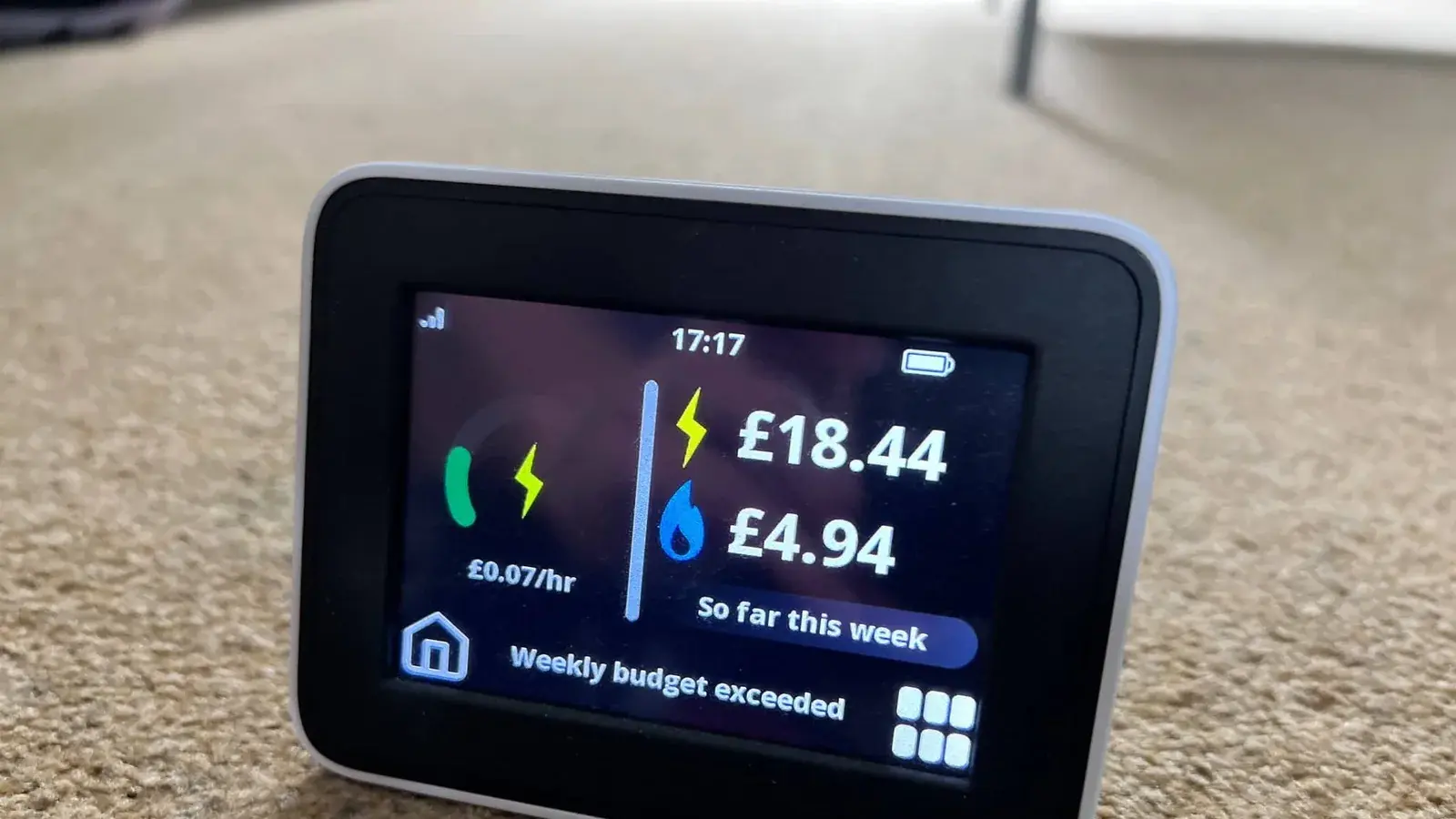
Pros and cons of smart meters
A smart meter replaces your traditional gas or electricity meter. Instead of waiting for you to read the numbers on the dial and send them in, a smart meter automatically sends your exact energy usage directly to your supplier. This fundamental change means you only pay for the energy you actually u
Read guide →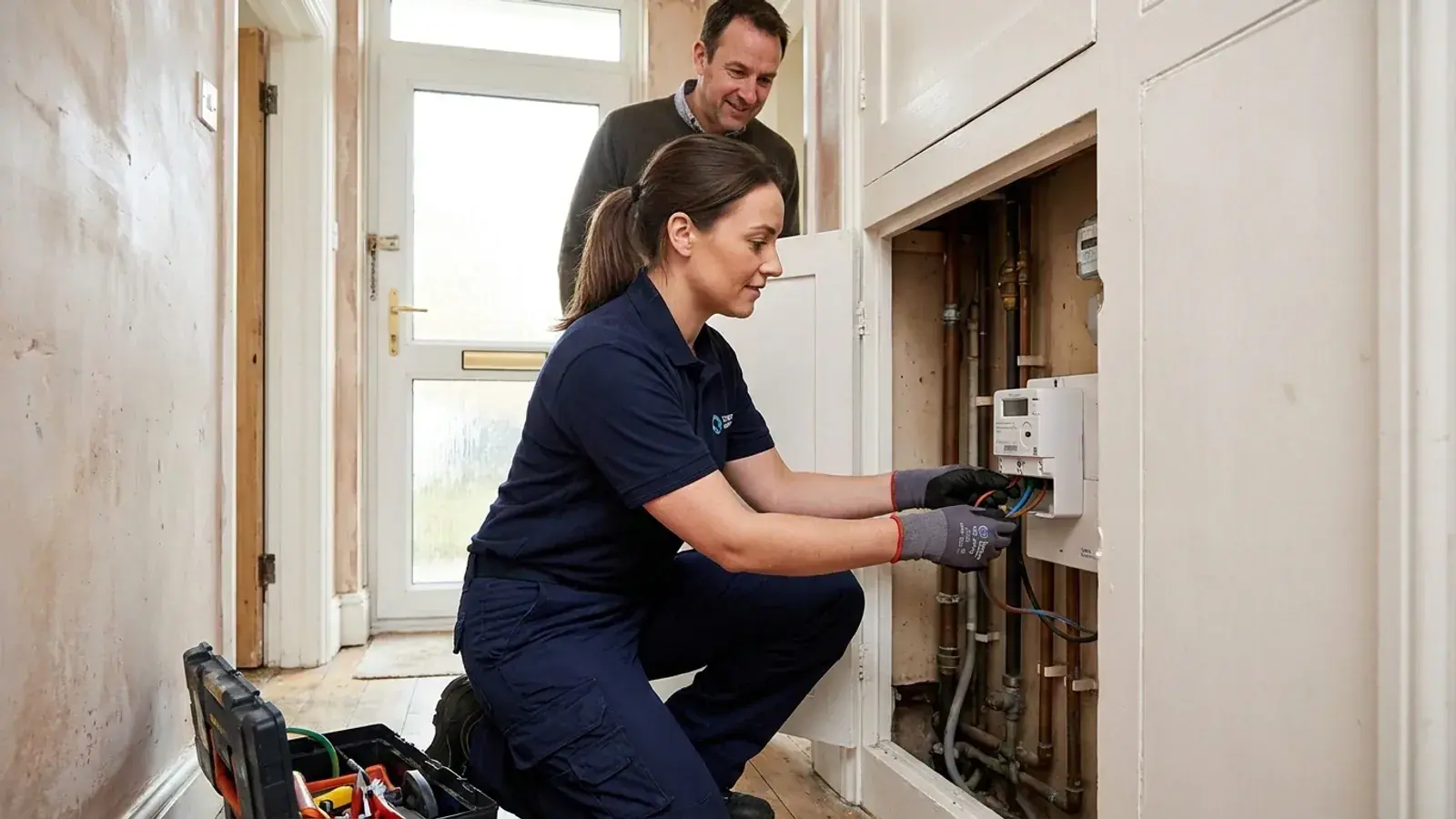
How do I get a smart meter?
Smart meters are now common in Great Britain. In the latest official figures, covering the end of March 2026, around 39 million domestic smart meters had been installed, representing 72% of domestic meters. If you still have an older traditional meter, getting an upgrade is a straightforward process
Read guide →
Written by
Rob Gibbs
Hi, I'm Rob, and I run Energy-Review.co.uk. I initially started this project in 2018 when I was looking to switch energy suppliers and found there wasn't a website that provided simple, data-backed reviews on all the suppliers available. Since then, I have spent a lot of time (too much, some may say!) looking at all publicly available data about each supplier and writing reviews using this information. These reviews are updated as regularly as possible, and any data is backed up by a source where necessary. I have also started writing guides on various energy-related topics, which hopefully you will find useful. If you find any issues, please use our contact form to let us know.