
Gas and Electricity meters: Ultimate Guide
Energy meters measure exactly how much gas and electricity your household uses.
Contents
What are energy meters and who owns them?
Energy meters measure exactly how much gas and electricity your household uses. Your energy supplier uses this data to calculate your bills and monitor your usage. Without an accurate meter reading, your supplier has to guess how much energy you have used, which often leads to estimated bills that are either too high or too low.
Many people assume they own the meter in their home, or that the local network company owns it. This is a common myth. Homeowners do not own their gas or electricity meters. In Great Britain, meters are owned by independent companies known as Meter Asset Providers, or sometimes directly by your energy supplier.
While the electricity Distribution Network Operator manages local power lines and cables, the gas distribution network manages local gas pipes. Neither is responsible for the meter itself. Your energy supplier is responsible for installing, maintaining, and repairing your meter. If you have any problems with your meter, your supplier is the only company you need to contact.
Use our referral link, and we'll both get £50 credit once your switch is complete.
Existing customer? Find out how you can benefit too. T&Cs apply (only one switching offer per household)
Smart meters
Smart meters are the modern standard for energy measurement. They measure your gas and electricity use just like traditional meters, but they send this information automatically to your supplier over a secure wireless network. This means you no longer have to submit manual meter readings, and your bills are based on actual usage rather than estimates.
As of mid-2026, over 41 million smart and advanced meters have been installed across Great Britain. This means roughly 70% of all meters are now smart. When you get a smart meter, you also get an In-Home Display. This small digital screen sits in your house and shows your energy use in near real-time, helping you see exactly how much you are spending in pounds and pence.
There are two main types of smart meter in homes today: first-generation (SMETS1) and second-generation (SMETS2). In the past, first-generation meters often lost their smart functions and went "dumb" if you switched to a new supplier. Today, the vast majority of these older meters have been moved onto the national Data Communications Company network, meaning they stay smart even when you switch. A small minority might still temporarily lose connection during a switch, but your new supplier can usually fix this remotely.
To protect consumers, new smart meter standards took effect in February 2026. If you report a smart-meter problem, your supplier must provide a resolution plan within five working days. If it does not, you should automatically receive £40 compensation.
Prepayment meters
Prepayment meters let you pay for your gas and electricity on a pay-as-you-go basis. Instead of receiving a monthly bill, you top up your meter with credit before you use the energy. Older prepayment meters use a physical key or card that you take to a local shop or Post Office to add money. Modern smart prepayment meters let you top up instantly using a smartphone app or online account.
Historically, prepayment meters were often the most expensive way to pay for energy. Many people still believe this is the case, but the rules have changed. Ofgem levelises standing charges for prepayment and Direct Debit customers, so you do not pay a higher standing charge simply because you pay as you go. Unit rates and the overall cap can still vary by payment method, meter type and region, so check the tariff details.
Another common worry is that a prepayment meter will cut off your supply if you run out of credit when it is difficult to top up. Many suppliers offer friendly-hours credit overnight, at weekends or on bank holidays, but the availability and times vary by supplier and meter type. Check your supplier's terms, and contact it straight away if you cannot afford to top up; you may be able to get temporary or emergency credit, which is repaid when you next top up.
Consumer protections around prepayment have become much stricter. Ofgem introduced its involuntary prepayment meter Code of Practice in April 2023, and its requirements now sit in supplier licences. Before an involuntary installation or remote switch, suppliers must assess whether it is safe and reasonably practicable; body cameras must be used for warrant installations and relevant welfare visits, with footage available for audit.
If you have a prepayment meter and want to switch suppliers, you can do so even if you are in debt. Under the Debt Assignment Protocol, you can switch to a new supplier as long as your debt is £500 or less per fuel. The new supplier simply takes on the debt, and you continue paying it off through your meter as normal.
Economy 7 and 10 meters (and the RTS switch-off)
Economy 7 and Economy 10 meters are designed for households that use a lot of electricity at night, such as those with night storage heaters or electric hot water cylinders. These meters track your electricity use across two different rates: a cheaper off-peak rate for the night, and a more expensive peak rate for the day. Economy 7 offers seven hours of cheaper electricity overnight, while Economy 10 offers ten hours spread across the night and afternoon.
For decades, traditional Economy 7 and 10 meters relied on a longwave radio signal called the Radio Teleswitch Service to know exactly when to switch between peak and off-peak rates. This signal was broadcast alongside BBC Radio 4. However, the RTS signal began a phased, area-by-area switch-off from 30 June 2025.[1]
If you have a meter that uses RTS technology, it may no longer work properly as the signal is switched off in your area. Your off-peak switching, heating or hot-water controls could be affected. Contact your electricity supplier to arrange a suitable replacement meter and protect access to the tariff and heating controls you need.
Traditional credit meters
Before smart meters became the standard, most homes had traditional credit meters. These are mechanical or basic digital devices that record your usage, but cannot communicate with your supplier. If you still have one of these, you must read it yourself and send the numbers to your supplier to get an accurate bill.
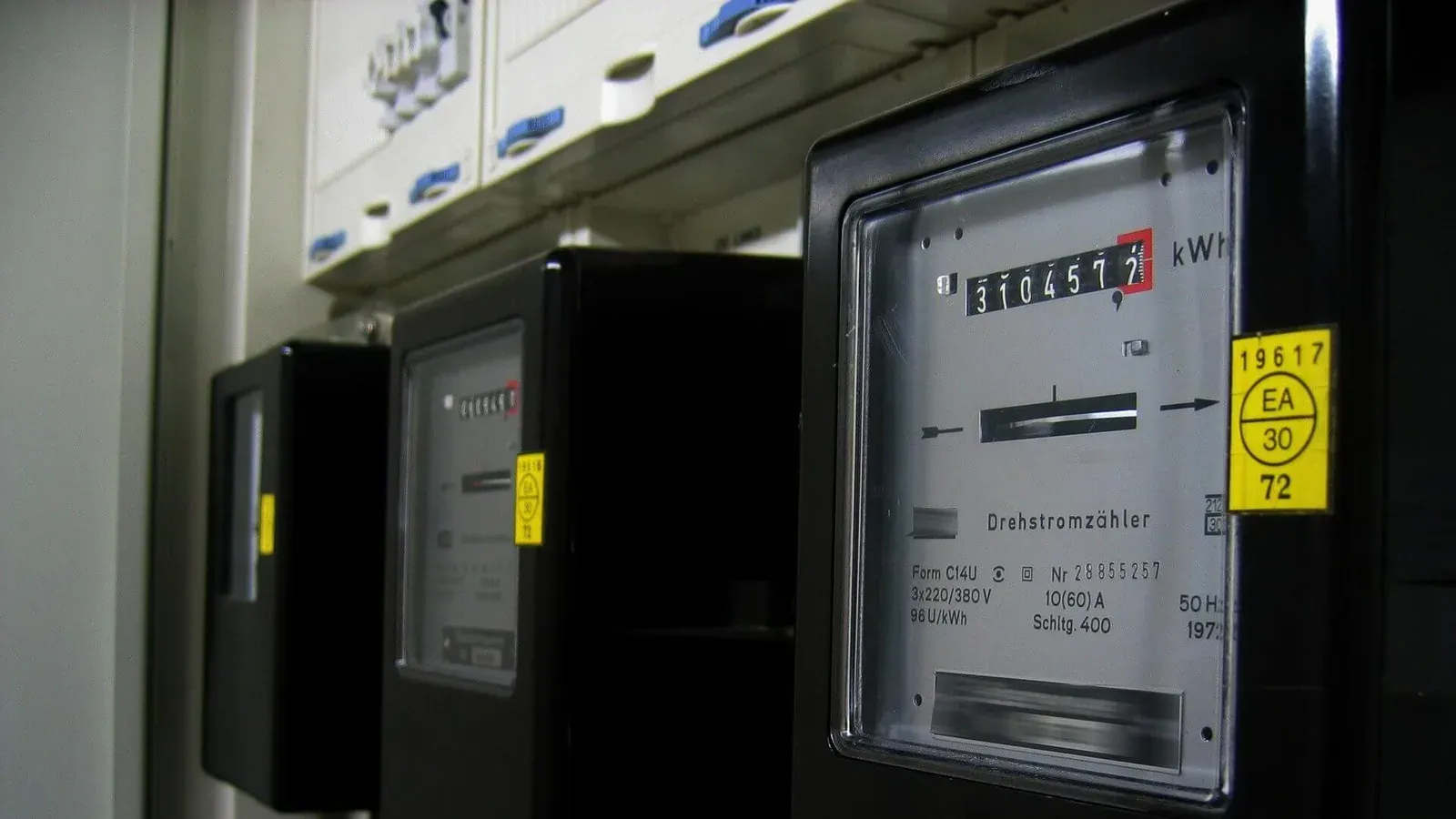
A standard mechanical meter has a row of numbers that turn as you use energy, much like the mileage counter in an older car. They display your electricity usage in kilowatt-hours (kWh) and your gas usage in cubic metres or hundreds of cubic feet. Digital meters do the exact same job, but display the numbers on a small LCD screen.
Dial meters are an older type of traditional meter. Instead of a simple row of numbers, they feature several small clock faces side by side. They look complicated, but they simply record the same usage data as a standard mechanical meter.
How to read your energy meter
If you do not have a working smart meter, you need to know how to read your meter accurately. Getting this right ensures you only pay for the energy you actually use.
Reading a standard digital or mechanical meter
For most standard meters, taking a reading is simple. Read the numbers from left to right. Ignore any numbers shown in red, and ignore any numbers that appear after a decimal point. If your meter has a digital screen and is blank, press the main button once to wake the screen up.
Reading an Economy 7 or two-rate meter
If you have a two-rate meter, you will need to take two separate readings. The meter will either have two mechanical rows of numbers (usually labelled 'Low' for night and 'Normal' for day), or a digital screen. For a digital screen, press the button to cycle through the displays. You will usually see 'R1' and 'R2', or 'Rate 1' and 'Rate 2'. Write both numbers down from left to right, ignoring any red numbers or decimal points.
Reading a dial meter
Dial meters have five or more small clock faces. The hands on these dials turn in alternating directions — the first dial turns clockwise, the second anti-clockwise, the third clockwise, and so on.
How to submit your meter readings
Once you have taken your reading, you need to send it to your supplier. If you do not send a reading, your supplier will estimate your usage based on your past habits or the size of your home. Estimated bills are rarely accurate. If the estimate is too low, you build up debt that you will have to pay back later. If the estimate is too high, you hand over cash that you could be keeping in your bank account.
Suppliers offer several easy ways to submit readings. The most common way is through your online account or the supplier's smartphone app. Many supplier apps now let you take a photo of the meter, and the app reads the numbers for you. You can also submit readings by calling an automated phone line and typing the numbers into your keypad, or by sending a text message to a specific number provided by your supplier.
If you make a mistake and submit the wrong reading, do not panic. Contact your supplier as soon as you notice. They can usually update the reading on their system and issue a corrected bill. They may ask you to send a photograph of the meter to prove the actual numbers.
What to do if your meter is faulty
Energy meters are robust devices, but they can occasionally break. Signs of a faulty meter include sudden, unexplained spikes in your energy bill, a blank screen that will not wake up when you press the buttons, or mechanical numbers that spin very fast even when most appliances are turned off.
If you think your electricity meter is running too fast, you can do a simple test. Turn off all the appliances in your house at the plug. Check the meter. If the numbers are still moving quickly, there is likely a fault. If the meter stops, turn your appliances back on one by one to see if a specific device is causing the high usage.
If you suspect a fault, contact your energy supplier. They are legally responsible for making sure the meter works. They will usually ask you to take daily readings for a week to check for patterns. If they agree the meter might be broken, they will send an engineer to test it. If the meter is faulty, they will replace it free of charge.
If you have a prepayment meter and the screen goes completely blank or shows an error message, call your supplier straight away. A broken prepayment meter can leave you without power or gas, so suppliers treat this as an emergency and will usually send someone out the same day.
Understanding your meter numbers
When you switch suppliers or move into a new home, you might be asked for specific reference numbers to identify your energy supply. These numbers are linked to the property, not the physical meter box, and they stay the same even if you change suppliers.
Your electricity supply is identified by a Meter Point Administration Number (MPAN). This is usually a 21-digit number starting with an 'S', and you can find it on your electricity bill. Your gas supply is identified by a Meter Point Reference Number (MPRN). This is a number up to 10 digits long, found on your gas bill. If you cannot find these numbers on your bills, your supplier can tell you what they are.
You also have a Meter Serial Number. This is a unique mix of letters and numbers printed on the front of the physical meter itself. It acts like a barcode for the actual device. When you move into a new house, you should check that the serial number on the physical meter matches the serial number printed on your first bill. If they do not match, your supplier might be billing you for a neighbour's energy use by mistake.
Frequently asked questions
What is an opening meter reading?
An opening meter reading is the first reading you take when you move into a new property or switch to a new energy supplier. The supplier uses this exact number as the starting point for your account, ensuring you are not billed for energy used by the previous tenant or under your old contract.
Can I move my gas or electricity meter?
It is illegal to move an energy meter yourself. If you need to move it because of building work or because it is hard to reach, you must contact your energy supplier. Moving a meter is usually a chargeable service, and the cost depends on how far it needs to be moved and how much rewiring or pipework is involved.
Can I switch from a prepayment meter to a credit meter?
In most cases, yes. Most large suppliers allow you to switch from a prepayment meter to a standard credit meter for free. However, they will usually run a credit check first and require you to have no outstanding debt on your energy account before they agree to the change.
Where can I find my energy meter?
Gas meters are often found outside in a white or brown box, under the stairs, or in the kitchen. Electricity meters are usually located in a hallway cupboard, a cellar, or an external meter box. If you live in rented accommodation and cannot find them, ask your landlord or letting agent.
Do I have to pay to get a smart meter installed?
No, getting a smart meter installed is completely free. The cost of the national rollout is already absorbed into everyone's energy bills, so your supplier will not charge you an upfront fee to replace your old meter with a smart one.
Related reviews and comparisons
Prime Outgoing Octopus prices
A fixed-term export tariff that pays a higher rate from 4pm to 7pm and a lower rate at other times.
Read more →EDF Pod Power prices
A twelve-month fixed EV tariff with a seven-hour overnight rate, available to households with a Pod Point Solo 3S home charger.
Read more →Octopus Go prices
A cheap overnight electricity rate for a fixed window, with a higher day rate.
Read more →Octopus Energy vs Utilita Energy
Octopus Energy is the household energy brand of Octopus Energy Group. In June 2025, the group described itself as a global clean energy tech business working in 32 countries, backed by pension funds, investors and energy companies. Which? groups Octopus with Ovo as relative newcomers that now sit al
Read comparison →Energy Price Cap Rates by Region
Ofgem unit rates, standing charges and benchmark bills by price-cap region, payment method and meter type
Read more →Related guides
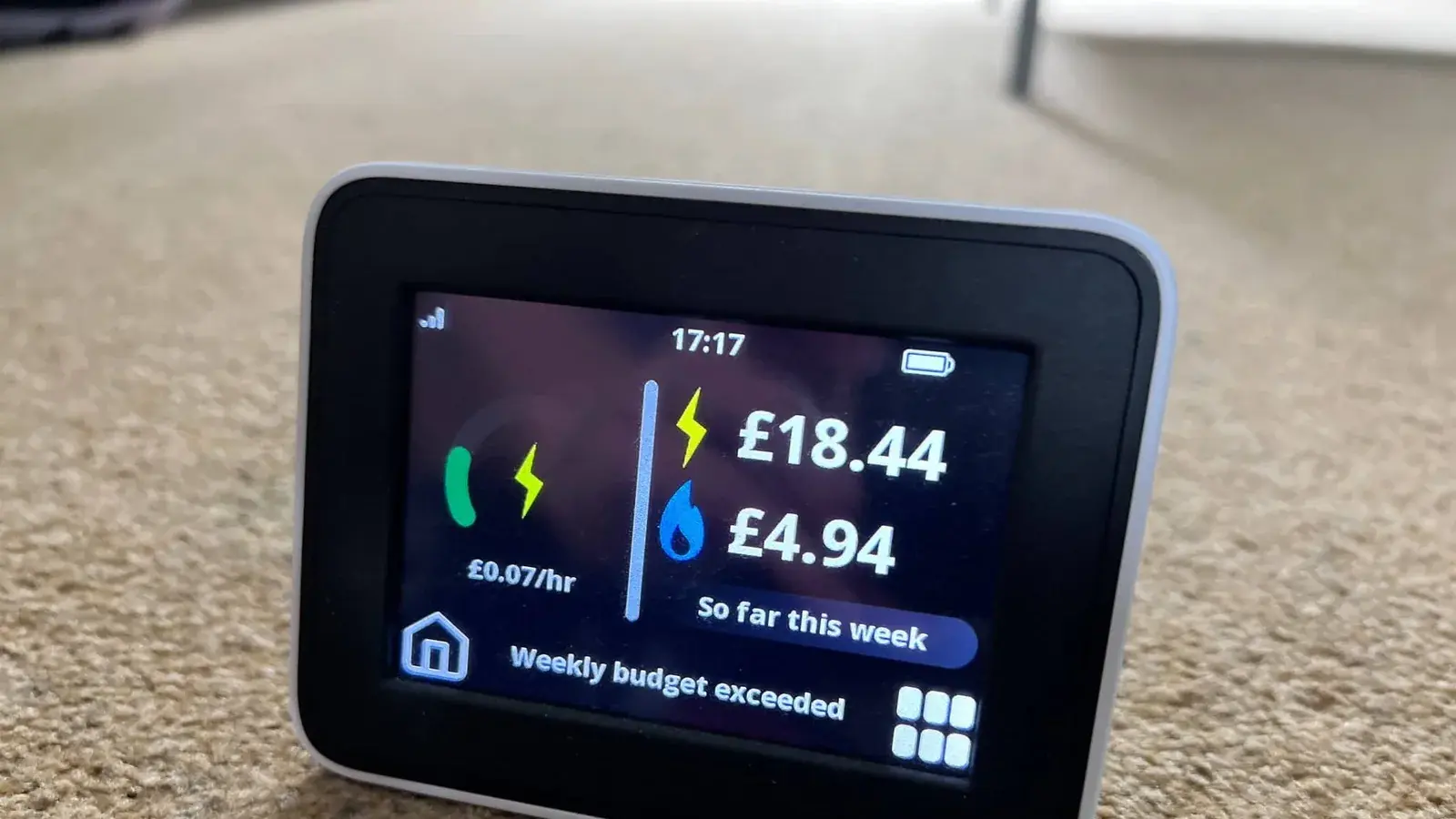
Pros and cons of smart meters
A smart meter replaces your traditional gas or electricity meter. Instead of waiting for you to read the numbers on the dial and send them in, a smart meter automatically sends your exact energy usage directly to your supplier. This fundamental change means you only pay for the energy you actually u
Read guide →
Smart meter FAQs
Smart meters are the current standard for measuring household energy use in Great Britain. Unlike older traditional meters with spinning dials or digital displays that you have to read yourself, smart meters automatically send your gas and electricity readings straight to your supplier. This puts an
Read guide →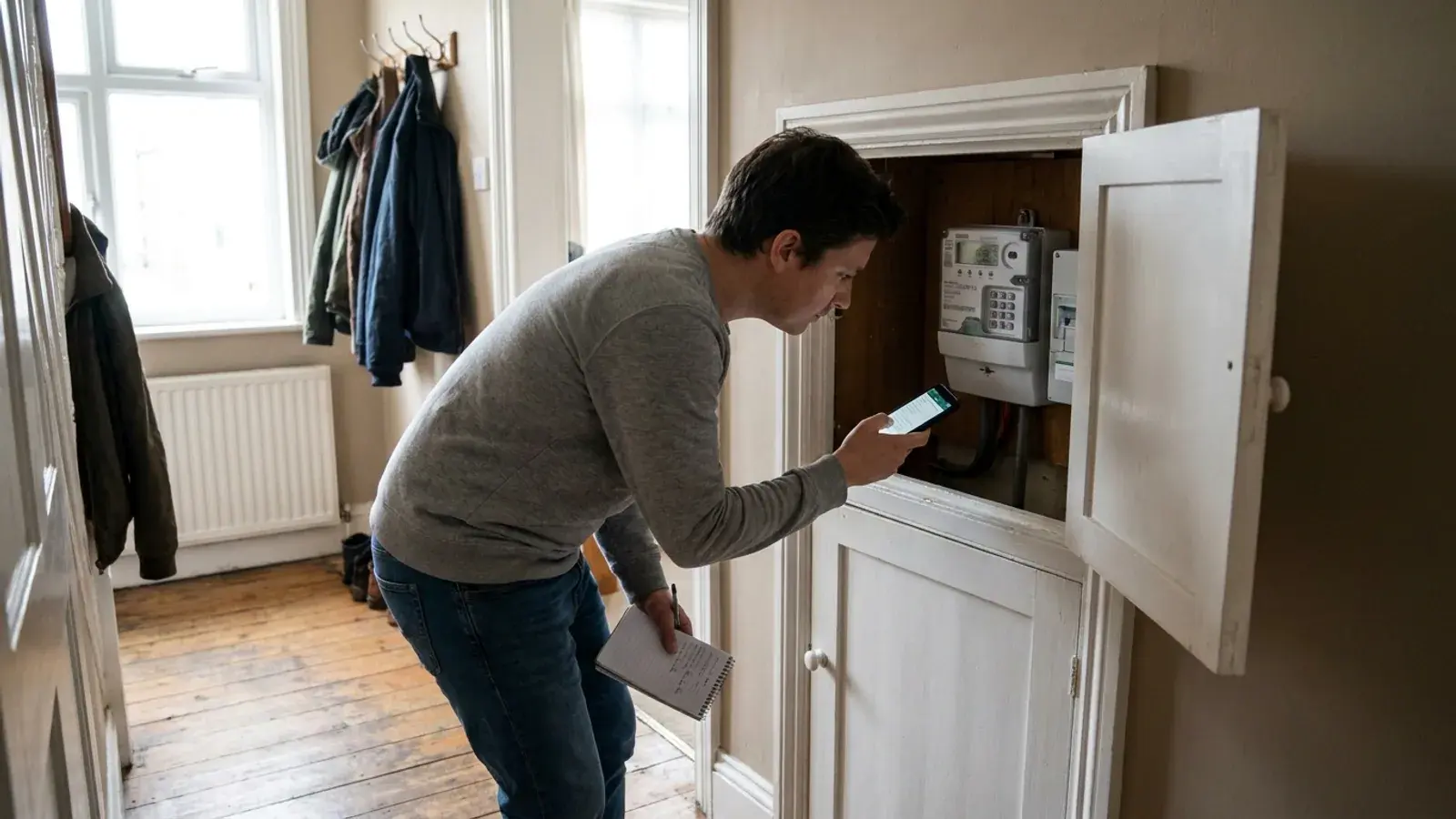
How to switch from a prepay to a credit meter
A prepayment meter makes you buy gas or electricity before you use it. Credit billing means you use energy first and pay afterwards, often by Direct Debit or after receiving a bill. Changing how you pay can widen your tariff choice, but it is not automatically cheaper for every household.
Read guide →
Written by
Rob Gibbs
Hi, I'm Rob, and I run Energy-Review.co.uk. I initially started this project in 2018 when I was looking to switch energy suppliers and found there wasn't a website that provided simple, data-backed reviews on all the suppliers available. Since then, I have spent a lot of time (too much, some may say!) looking at all publicly available data about each supplier and writing reviews using this information. These reviews are updated as regularly as possible, and any data is backed up by a source where necessary. I have also started writing guides on various energy-related topics, which hopefully you will find useful. If you find any issues, please use our contact form to let us know.