
What are Meter Serial Numbers?
A Meter Serial Number (MSN), sometimes referred to as a meter ID, is a unique alphanumeric code used to identify a specific physical electricity or gas meter.

Contents
- 1.What is a Meter Serial Number?
- 2.Where to find your Meter Serial Number
- 3.The difference between your MSN, MPAN, and MPRN
- 4.When do you need to use your Meter Serial Number?
- 5.Crossed meters and billing errors
- 6.How MSNs affect solar panels and generation tariffs
- 7.What to do if your details are wrong
- 8.FAQs
What is a Meter Serial Number?
A Meter Serial Number (MSN), sometimes referred to as a meter ID, is a unique alphanumeric code used to identify a specific physical electricity or gas meter in the UK. Every single meter installed in a property has its own distinct serial number. This code allows energy suppliers to track exactly which piece of hardware is recording the energy usage at your address.
Energy suppliers use a national database to link your customer account to the specific meter in your home. When your meter records how much gas or electricity you use, the supplier needs to know that the readings belong to you and not the house next door. The Meter Serial Number is the critical piece of information that makes this link possible.
For many years, most households never needed to know their Meter Serial Number. If you stayed with the same supplier and never changed your meter, the number simply sat in the background of your account details. However, with millions of homes now upgrading to smart meters, taking part in new energy-saving schemes, and generating their own power with solar panels, the MSN has become a much more practical and important detail to understand.
Use our referral link, and we'll both get £50 credit once your switch is complete.
Existing customer? Find out how you can benefit too. T&Cs apply (only one switching offer per household)
Where to find your Meter Serial Number
There is no cost to find or register your Meter Serial Number, and you do not need to contact your supplier to get it. You can find the number in two places: printed on your energy bills and stamped on the physical meter itself.
Finding the MSN on your energy bill
The quickest way to check your Meter Serial Number without leaving your sofa is to look at a recent energy bill. Whether you receive paper bills in the post or download them as PDF files from your online account, the supplier must print the MSN on the document.
You will usually find it on the second or third page of your bill, under a section labelled "Supply details", "Details of charges", or "About your tariff". If you have a dual-fuel account (where you buy both gas and electricity from the same company), your bill will list two separate Meter Serial Numbers—one for the gas meter and one for the electricity meter. Make sure you are looking at the correct section for the fuel you want to check.
Finding the MSN on your physical meter
If you do not have access to a recent bill, or if you need to check that your bill is accurate, you can find the MSN on the meter itself. The layout of the meter depends on whether it measures gas or electricity, and whether it is an older traditional model or a newer smart meter.
For an electricity meter, the serial number is typically 10 to 11 characters long. It usually contains a mix of letters and numbers. A common format looks something like A##AA###### (for example, S06DS123456). The first letter often indicates the manufacturer, followed by digits showing the year it was calibrated, and a batch number. You will usually find this number printed on a sticker or engraved into the casing, sitting directly above or below a printed barcode on the front of the unit.
For a gas meter, the serial number is usually between 6 and 14 digits long. It often consists of a year followed by a string of six digits. Just like the electricity meter, this number is typically printed near a barcode on the front of the meter. On much older gas meters that do not have a barcode, the number is often stamped directly into the metal casing.
The difference between your MSN, MPAN, and MPRN
The most common misconception about energy meters is confusing the Meter Serial Number with the property's supply numbers. While they look similar on a bill, they do completely different jobs.
Your property has an MPAN (Meter Point Administration Number) for electricity and an MPRN (Meter Point Reference Number) for gas. These numbers identify the physical supply point at your address—essentially the pipe or cable that connects your home to the national energy network. The MPAN is a 21-digit number, and the MPRN is normally a 10-digit number. These numbers belong to the property itself. Even if you demolish the house and build a new one on the same plot, the supply point numbers usually stay the same.
In contrast, the Meter Serial Number identifies the specific metal or plastic box that is plugged into that supply point. If a meter breaks and an engineer replaces it, the MSN changes immediately, but the MPAN and MPRN remain exactly the same.
To use a simple comparison, think of the MPAN or MPRN as the address of a parking space, and the MSN as the number plate of the car parked in it. The parking space never moves, but a different car can park there at any time.
| Feature | Meter Serial Number (MSN) | MPAN (Electricity) / MPRN (Gas) |
|---|---|---|
| What it identifies | The physical meter hardware | The supply point at the property |
| Does it change? | Yes, every time the meter is replaced | No, it stays the same for the property |
| Format | 10-11 characters (elec) or 6-14 digits (gas) | 21 digits (MPAN) or 6-11 digits (MPRN) |
| Where to find it | On the meter and on your bill | Only on your bill |
When do you need to use your Meter Serial Number?
While the national energy database handles most of the background work automatically, there are several common situations where you will need to find and provide your Meter Serial Number.
Moving into a new home
When you move into a new property, the previous occupant should have closed their account, and the supplier will send a welcome letter addressed to 'The Occupier'. It is highly recommended that you check the MSN printed on this welcome bill against the physical meter in your new home. This is especially important in converted flats or new-build estates, where database mix-ups are common. Checking the numbers match ensures you take responsibility for the correct supply.
Switching energy supplier
Usually, when you switch supplier, the new company will locate your MPAN and MPRN on the national database automatically. However, if the database has missing information or if your address is formatted strangely, the new supplier may struggle to find your details. In these cases, providing the MSN helps the supplier trace the correct supply point and force the switch through without delays.
Upgrading to a smart meter
The energy industry is moving toward Market-Wide Half-Hourly Settlement, which uses half-hourly consumption data to improve the accuracy of electricity settlement. Smart and advanced meters can provide these readings, and many households are choosing to replace older meters with smart meters. Whenever an engineer fits a new smart meter, the old physical unit is taken away, and a new one is installed. This means your MSN changes. You should keep a record of the new MSN, as the national database can sometimes take a few weeks to update fully.
Taking part in Demand Flexibility Services
Many suppliers now run peak-time energy reduction schemes, rewarding households for using less electricity during busy periods. To track your reductions accurately, some of these services require you to provide specific hardware details. Alongside your MSN, you may be asked for your smart meter's GUID (Globally Unique Identifier) to verify your connection to the scheme and ensure your savings are logged correctly.
Crossed meters and billing errors
The most serious issue involving Meter Serial Numbers is a problem known in the energy industry as a 'crossed meter'. This happens when an energy supplier registers the wrong MSN to a property address.
Crossed meters are remarkably common in blocks of flats and new housing developments. When a developer builds a block of flats, they might label the plots as 1 to 10. However, when the Royal Mail registers the postal addresses, they might label them as Flats A to J. If the energy supplier's database does not map these changes perfectly, Flat A might end up linked to the meter for Flat B. As a result, the person living in Flat A ends up paying for the heating and electricity used by the person in Flat B.
You can spot a crossed meter by checking if the MSN on your bill matches the MSN on the meter that actually supplies your home. If you live in a block of flats with a communal meter cupboard, ask your supplier to help identify the meter serving your flat. Do not rely on labels alone, as they can be incorrect.
If a supplier charges you incorrectly due to a crossed meter or a database error, there are strict rules in place to protect you. Under Ofgem's back-billing regulations, if a supplier fails to issue correct bills because of their own error, they are not allowed to retrospectively charge you for more than 12 months of unbilled gas or electricity.
How MSNs affect solar panels and generation tariffs
Meter Serial Numbers are also vital for households that generate their own power using solar panels, or those that store energy in home batteries. If you export electricity back to the grid, the way it is measured depends on your tariff and metering arrangement. For SEG payments, you need a meter capable of providing half-hourly export readings, which will typically be a smart meter.[1]
Just like standard import meters, these generation meters have their own MSNs. If your generation meter is replaced because it has failed or needs replacing, the new meter will have a new MSN.
Ofgem heavily regulates metering for generation schemes. If a FIT generation or export meter is replaced, notify your FIT licensee. For an MCS-FIT installation, the licensee updates the Central FIT Register; ROO-FIT generators must also notify Ofgem through the Renewable Electricity Register.
Similarly, if you are signing up for a Smart Export Guarantee (SEG) tariff, you will need an eligible certified installation and a meter capable of providing half-hourly export readings. Check your chosen supplier's application requirements before applying.
What to do if your details are wrong
While the national database is generally well-maintained, errors do happen. Duplicate serial numbers have historically existed across different manufacturers in Great Britain, and the massive rollout of smart meters means millions of records are being updated constantly. If you check your meter and realise the serial number does not match your bill, you need to get it fixed.
If you simply cannot find your MSN on the meter because the text has worn away or the sticker has fallen off, your supplier can help. They can provide you with the numbers they currently have on file for your property, and they may arrange for an engineer to visit and inspect or replace the meter if the hardware is too degraded to read.
Frequently asked questions
Does my Meter Serial Number change when I switch energy supplier?
No. Your Meter Serial Number only changes if the physical meter is removed and replaced with a new one. When you switch supplier, the new company simply takes over the billing for the existing meter already installed at your property.
Are Meter Serial Numbers completely unique?
They are intended to be unique, but historically, duplicate serial numbers have occasionally been produced by different manufacturers across Great Britain. Because of this slight risk of duplication, suppliers rely on the MPAN and MPRN as the primary way to identify a property, using the MSN as a secondary check.
Do smart meters have Meter Serial Numbers?
Yes, every smart meter has a Meter Serial Number, just like older traditional meters. When an engineer removes your old meter to install a smart meter, they will log the final reading on the old MSN and register the new smart meter's MSN to your account.
Is my MSN the same as my customer account number?
No. Your customer account number identifies you as a person paying the bill, and it changes if you switch to a different supplier. Your MSN identifies the physical box on the wall, and it stays the same regardless of which company you buy your energy from.
Who is responsible for updating the national database if my MSN is wrong?
Your current energy supplier is responsible for ensuring their records match the national database. If you spot an error, you must contact your supplier, and they will manage the process of correcting the central industry records.
Related reviews and comparisons
Scottish Power vs Tulo Energy
Scottish Power is one of the UK's largest domestic energy suppliers. It started in 1990 and is now owned by the Spanish energy group Iberdrola. The company offers standard energy supply as well as solar panels, home batteries, electric vehicle chargers, and boiler care plans. It also runs a long-sta
Read comparison →
British Gas vs Scottish Power
British Gas is one of the UK's oldest and largest domestic energy suppliers. Owned by Centrica Group, it supplies gas and electricity to millions of homes and operates as Scottish Gas in Scotland. It pairs its energy tariffs with smart home technology from its Hive brand to offer cheaper rates to us
Read comparison →100Green vs E.ON Next
100Green is an independent, privately owned energy supplier based in Hertfordshire. Set up in 2001, it is one of the UK's smaller domestic suppliers. It focuses on environmental impact and customer service, offering renewable electricity and at least 10% green gas as standard. Because it costs more
Read comparison →Octopus Power Pack prices
A specialist vehicle-to-grid add-on for compatible electric cars and bidirectional charging equipment.
Read more →Prime Outgoing Octopus prices
A fixed-term export tariff that pays a higher rate from 4pm to 7pm and a lower rate at other times.
Read more →Related guides
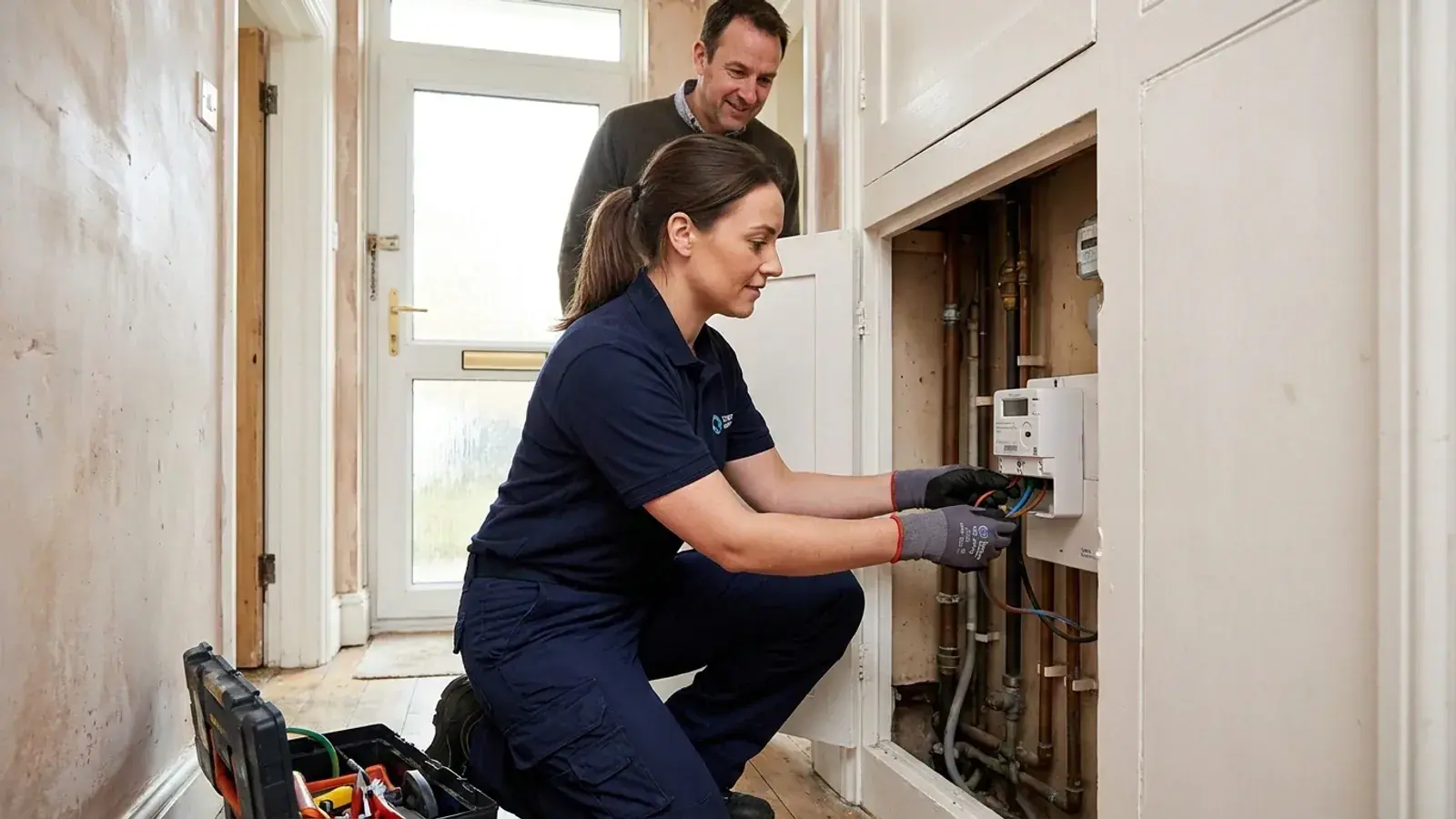
How do I get a smart meter?
Smart meters are now common in Great Britain. In the latest official figures, covering the end of March 2026, around 39 million domestic smart meters had been installed, representing 72% of domestic meters. If you still have an older traditional meter, getting an upgrade is a straightforward process
Read guide →
Smart meter FAQs
Smart meters are the current standard for measuring household energy use in Great Britain. Unlike older traditional meters with spinning dials or digital displays that you have to read yourself, smart meters automatically send your gas and electricity readings straight to your supplier. This puts an
Read guide →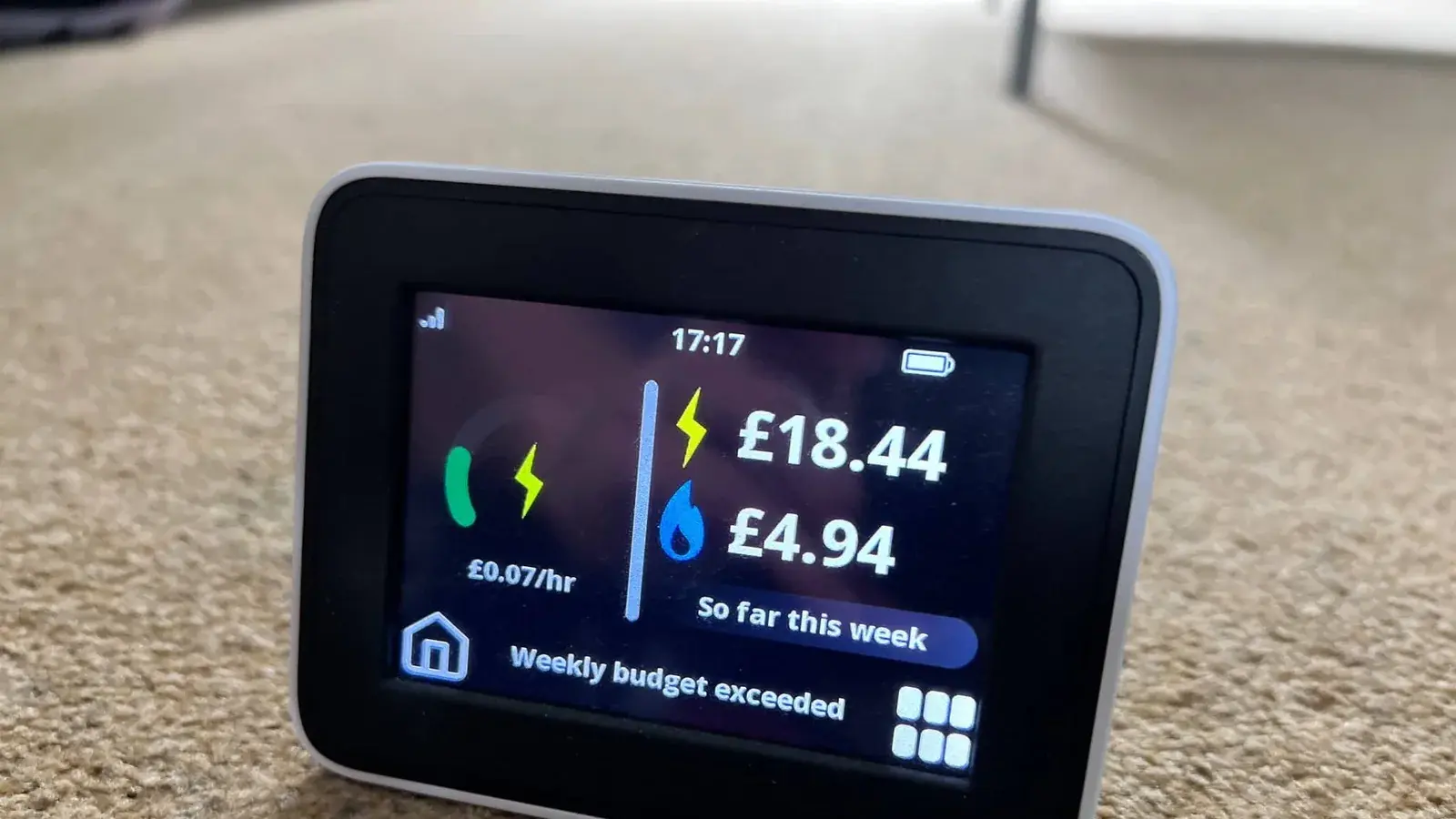
How do smart meters work?
A smart meter is a device that replaces the old-fashioned standard meter in your home. It measures how much gas and electricity you use, just like a traditional meter does. The main difference is that a smart meter sends these readings to your energy supplier automatically.
Read guide →
Written by
Rob Gibbs
Hi, I'm Rob, and I run Energy-Review.co.uk. I initially started this project in 2018 when I was looking to switch energy suppliers and found there wasn't a website that provided simple, data-backed reviews on all the suppliers available. Since then, I have spent a lot of time (too much, some may say!) looking at all publicly available data about each supplier and writing reviews using this information. These reviews are updated as regularly as possible, and any data is backed up by a source where necessary. I have also started writing guides on various energy-related topics, which hopefully you will find useful. If you find any issues, please use our contact form to let us know.